Story Video

  • Create a story video up to 80s.
  • Up to 10 scenes, 8s per scene (150 credits per scene).
  • Add a prompt for each scene on the right (one concise sentence recommended).
  • All scene clips will be automatically stitched into a single long video with smooth connections.
Video Generation Settings
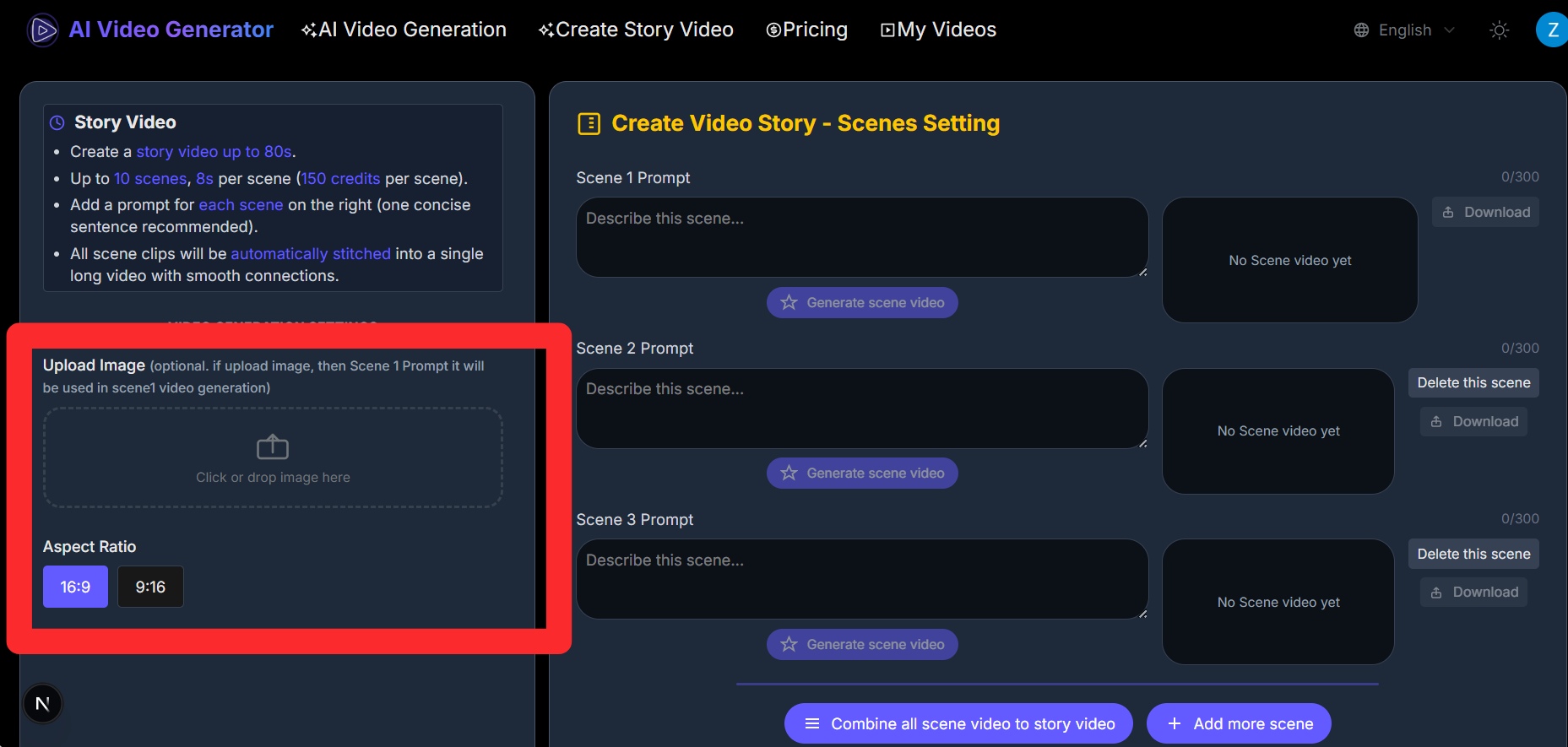
Click or drop image here
✨For smoother transitions, keep a consistent visual style.

Create Video Story - Scenes Setting

Scene 1 Prompt0/300
No Scene video yet
Scene 2 Prompt0/300
No Scene video yet
Scene 3 Prompt0/300
No Scene video yet

Showcase

0:00
0:00

What Story video can do?

Enbale you to create videos up to 80s with multiple scene, no video editing tools required. Just serveral prompts, Story video can generate a consistents visual & character in generated long story video.

  • Up to 80s Story Video just in one click

    Normally video creation requires image generation, consistency management, editing, and voice-over. Story video simplifies this: just upload image and enter prompts. Here you just need serveral clicks.

  • Multi-Scene Story Video support

    Can define what vidoe should do in your each scene, supports up to 10 scenes into a cohesive story video. Each scene can be up to 8 seconds long, creating videos up to 80 seconds total.

  • Consistent Characters & Environments

    Even we have many scenes, Story video can maintain consistent characters and environments across all scenes, ensuring seamless transitions and a cohesive visual narrative throughout your story video.

  • Flexible Generation Options

    Choose between text-to-video or image-to-video for each scene. Upload images for Scene 1 to start with image-to-video generation.

  • Seamless Video Stitching

    Automatically combines all scene videos into a single cohesive story video with smooth transitions and perfect timing, delivering a flawless long-form video.

(3 scenes in this video,up to 24s total, can check prompt here)

Scene 1 Prompt
A dog is walking in the forest very slowly
Scene 2 Prompt
in not far away , there is little girl walking to the dog, and then she walk in front of the dog, and touch the dog slowling
Scene 3 Prompt
the litte girl touching the dog , and saying slowly "Hello Leon, where are you been? I am so worried about you. Are you ok?", then she walk with dog to the home, they are happy both

How to create story video

Follow these simple steps to create your story video in minutes.
1

Step1 : Configure Video Settings

In the left sidebar, set up video settings: choose landscape or portrait orientation for the entire video. If you want to start from an image, upload an image. For text-to-video, you can skip the image upload.

Configure Video Settings
2

Step2 : Write and Generate Scene Videos

In the right sidebar, write a prompt for each scene, then click 'Generate Scene Video'. The generated scene video will appear on the right - review it to see if it's suitable. If it looks good, continue with Scene 2 and repeat this process for all scenes. By default, there are 3 scenes, but you can add more below.

Write and Generate Scene Videos
3

Step3 : Combine All Scenes

Once all scene videos are generated and confirmed, click 'Combine all scene video to story video'. The system will automatically combine all scene videos in order into one long video.

Combine All Scenes
4

Step4 : View and Download

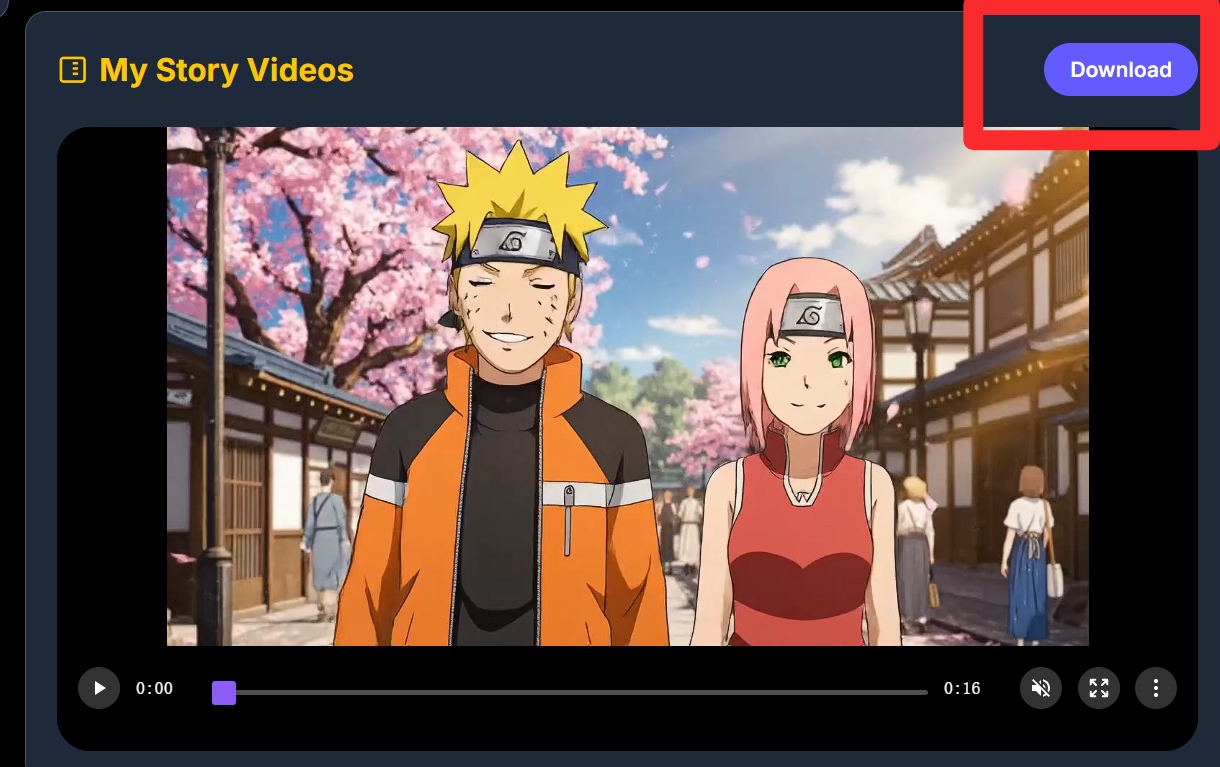
The generated long video will be displayed in 'My Story Videos' below. You can click to play and preview the result, and click the download button to save it to your local device.

View and Download